Submission Review
Once participants submit their forms, submissions appear in the staff review queue. Staff can inspect the data, flag fields, request corrections, reject, or approve (which triggers the roster import).
Submission statuses
| Status | Description |
|---|---|
draft | Participant is still filling in the form |
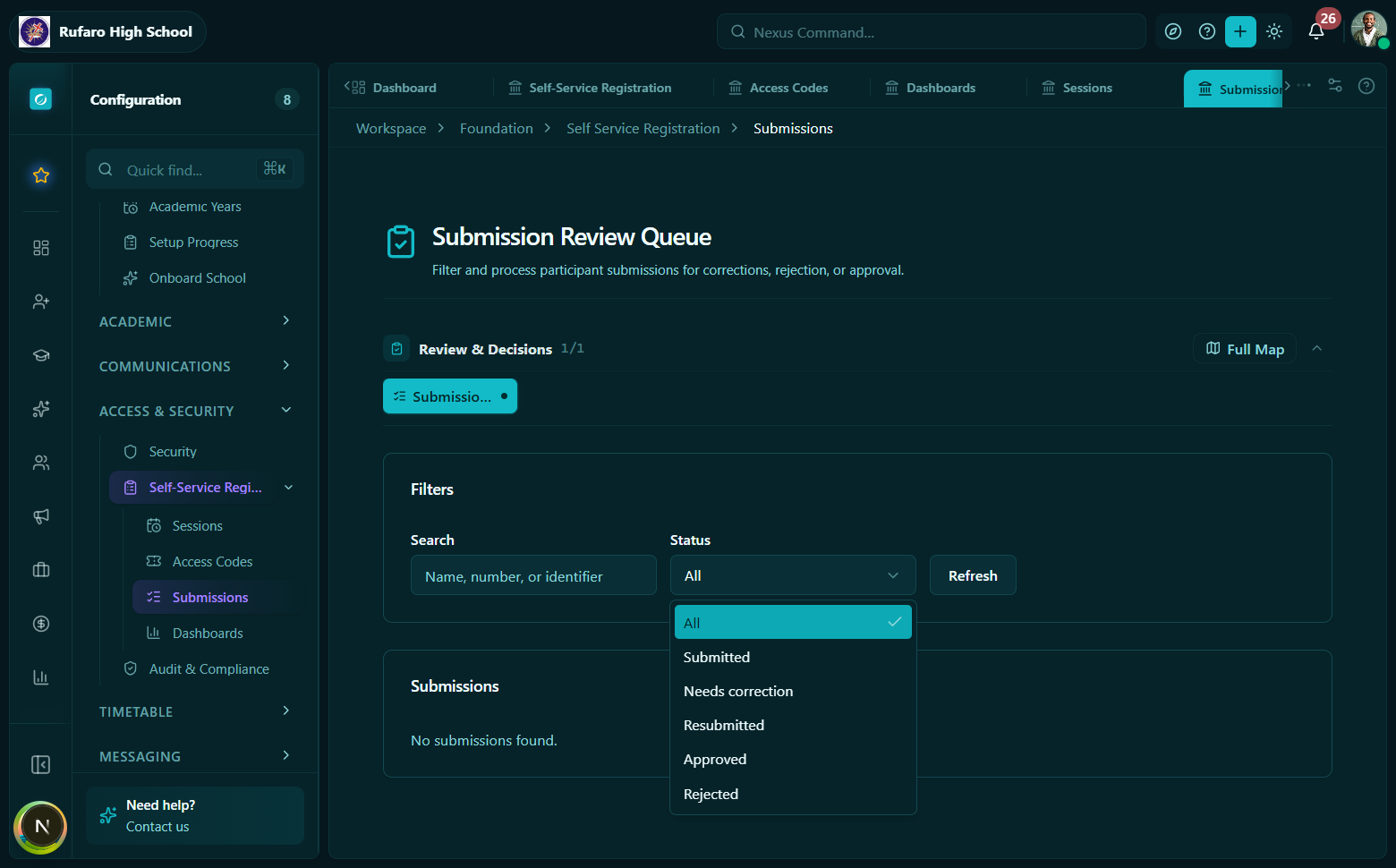
submitted | Ready for staff review |
needs_correction | Staff sent back a correction request |
resubmitted | Participant corrected and resubmitted |
approved | Accepted by staff; import triggered |
rejected | Permanently rejected |
imported | Successfully written to the person record |
cancelled | Withdrawn before approval |
Review queue
Navigate to Foundation -> Self-Service Registration -> Submissions.
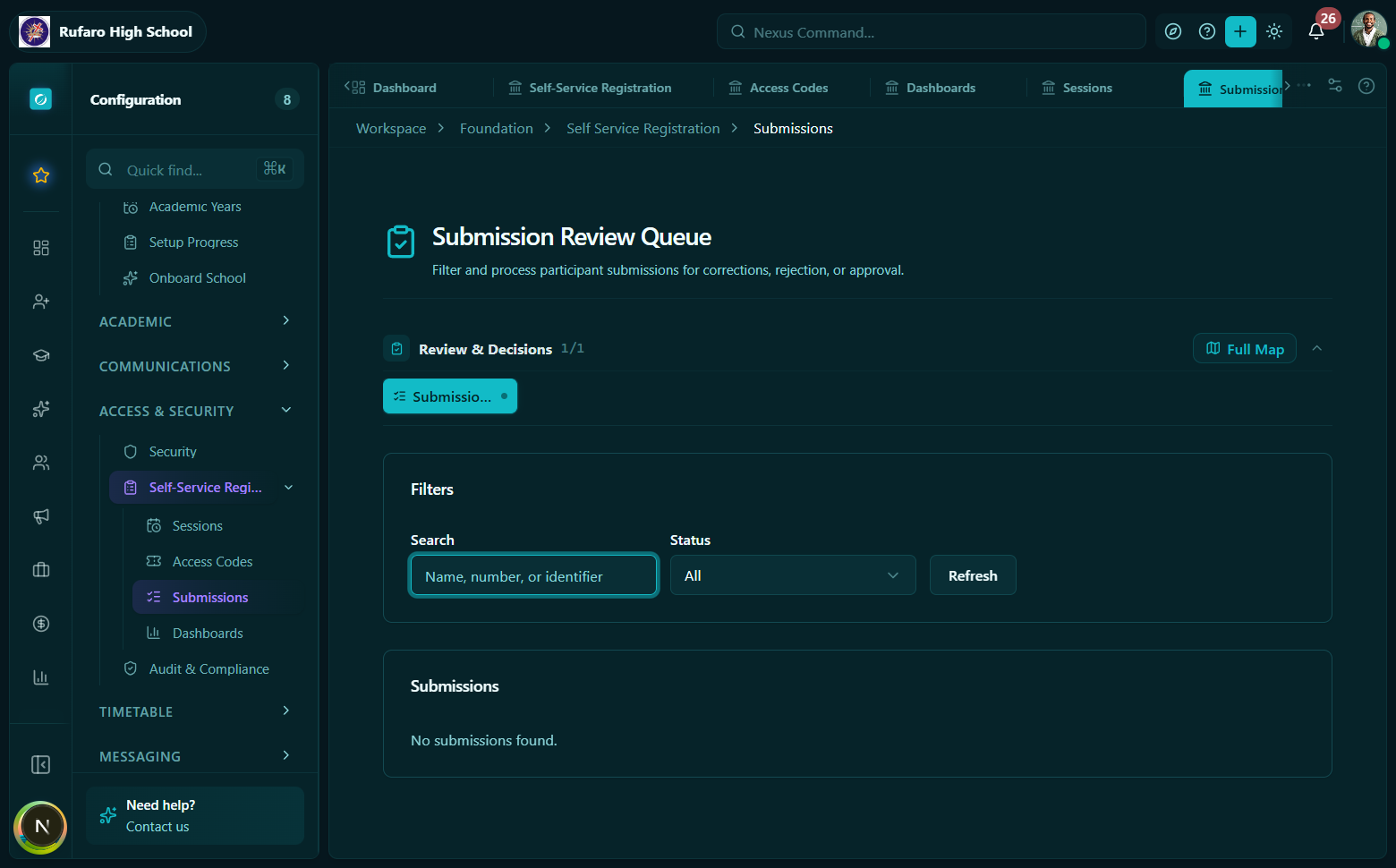
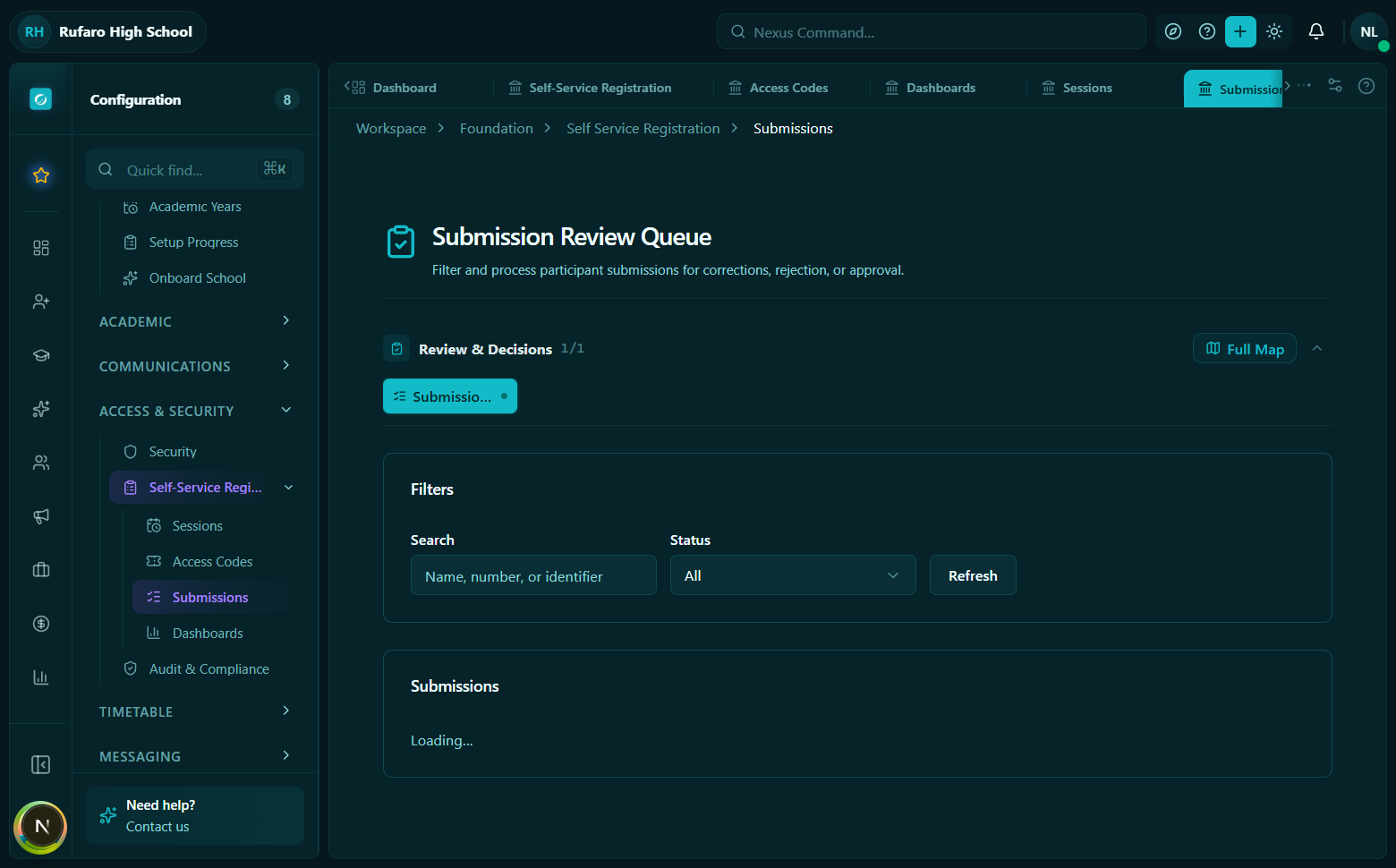
The review queue. Filter by status to focus on what needs attention. Each row shows the participant name, submission status, when they submitted, and quick action buttons (Review / Request Correction / Approve).
Filter the queue by:
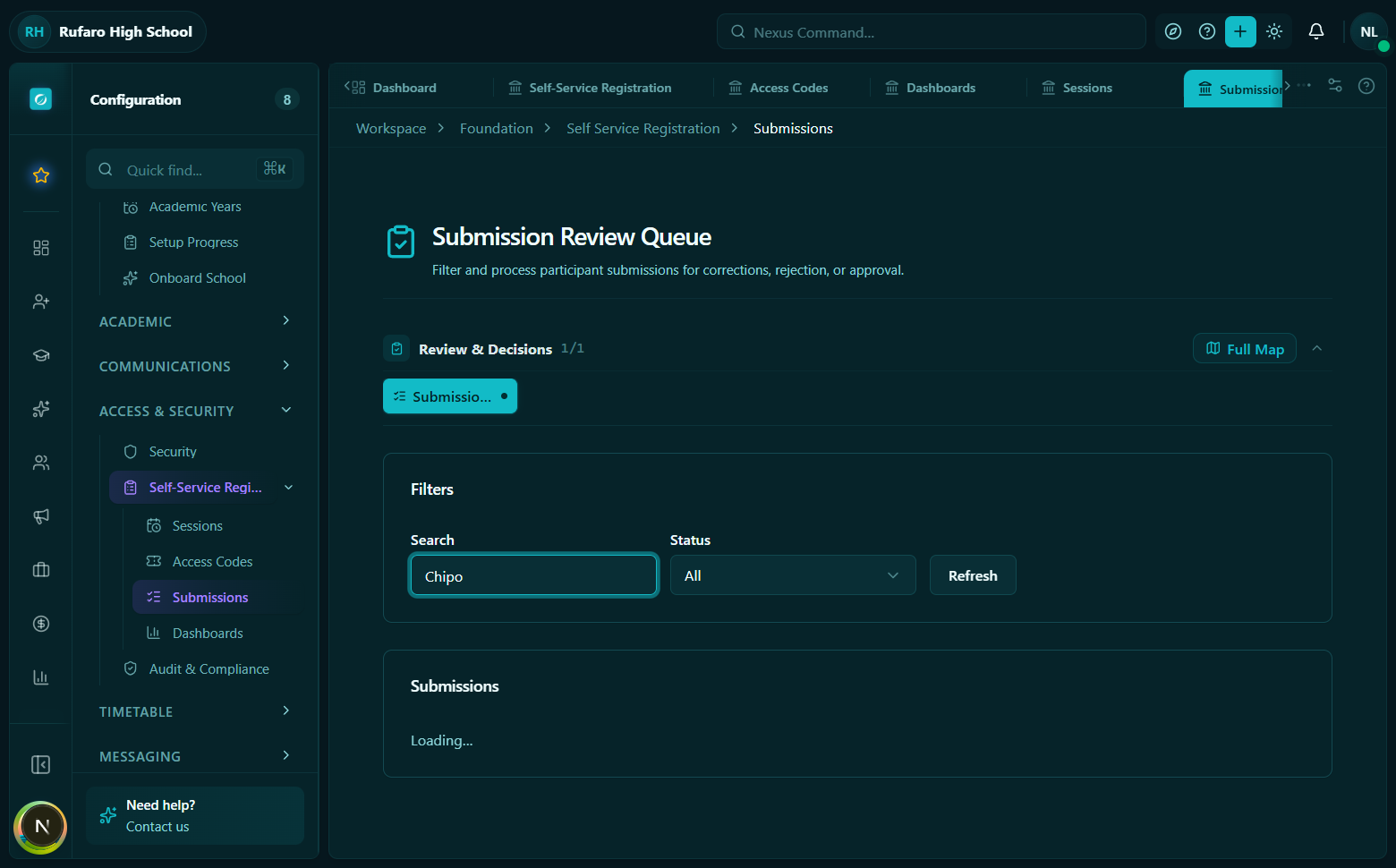
sessionId- limit to one registration sessionstatus- e.g. show onlysubmittedorneeds_correctionpersonType-teacherorstudentclassDivisionId- class teacher view (whenclassTeacherOnly: true)search- name or code search
const { data } = useRegistrationSubmissions({
  sessionId: "...",
  status: "submitted",
});
Hook: useRegistrationSubmissions(params)
Submission record fields
The submission detail view. Left panel shows the participant's submitted data. Right panel shows review annotations, validation warnings, and the action bar (flag fields / request correction / approve / reject).
| Field | Description |
|---|---|
payload | Raw form data as submitted by the participant |
normalizedIdentity | Server-extracted key fields (name, DOB, phone, guardian info, placement IDs) |
validationSummary | Server-computed warnings and missing required fields |
sourceDocument | Any supporting document upload reference |
version | Incremented on every save/resubmit - used for optimistic lock checks |
correctionMessage | Shown to participant when status is needs_correction |
reviewNotes | Internal staff notes (not shown to participant) |
rejectionReason | Shown to participant on rejection |
teacherDetails | Expanded teacher-specific data (subjects, department, class teacher role) |
Review actions
Field-level review
Staff can annotate individual fields without changing the submission status. Use this to flag questionable values for colleagues or for your own tracking before making a final decision.
const review = useReviewRegistrationSubmissionFields();
review.mutate({
  submissionId: "...",
  data: {
    version: 3,
    fieldReviews: {
      "firstName": { status: "ok" },
      "dateOfBirth": { status: "flagged", note: "Looks wrong - born 2045?" },
    },
    reviewNotes: "Check DOB before approving.",
  },
});
API: PATCH /registrations/submissions/{id}/review-fields
Hook: useReviewRegistrationSubmissionFields()
Request correction
The request correction dialog. Staff enter a message visible to the participant and can flag specific fields. The flagged fields are highlighted when the participant re-enters their code.
Send the submission back to the participant with a specific message explaining what needs to be fixed.
const requestCorrection = useRequestRegistrationCorrection();
requestCorrection.mutate({
  submissionId: "...",
  data: {
    version: 3,
    message: "Please provide a valid date of birth. The year entered appears incorrect.",
    fieldReviews: {
      "dateOfBirth": { status: "flagged" },
    },
  },
});
- Submission status moves to
needs_correction. - Access code status moves to
needs_correction. - The
messageis surfaced to the participant when they re-enter their code. - Participant resubmits -> status moves to
resubmitted.
API: POST /registrations/submissions/{id}/request-correction
Hook: useRequestRegistrationCorrection()
Reject
Permanently reject a submission with a reason.
const reject = useRejectRegistrationSubmission();
reject.mutate({
  submissionId: "...",
  data: {
    version: 3,
    reason: "Identity could not be verified. Please contact the school office.",
  },
});
The reason is stored on the submission. The participant cannot resubmit after rejection.
API: POST /registrations/submissions/{id}/reject
Hook: useRejectRegistrationSubmission()
Approve and import
The bulk approve confirmation dialog. Select multiple submitted records, set the import mode, and confirm. Results show per-submission success or error after processing.
- Single approval
- Bulk approval
Approving a submission triggers the roster import. You can supply corrections to apply during import without asking the participant to resubmit.
const approve = useApproveRegistrationSubmission();
approve.mutate({
  submissionId: "...",
  data: {
    version: 3,
    approvalNotes: "Verified against admission file.",
    fieldCorrections: {
      "dateOfBirth": "2010-03-15",
    },
    importPolicy: {
      mode: "update_existing_or_create",
      createStudentPortalAccount: true,
      createGuardianPortalAccount: false,
      syntheticStudentUserWhenNoEmail: true,
    },
  },
});
The response (ApproveRegistrationSubmissionResult) includes:
officialStudentId/officialTeacherId- the resulting person record IDcreatedGuardianIds/updatedGuardianIds- guardian records touchedeventsPublished- domain events raised (e.g.student.created,teacher.updated)
API: POST /registrations/submissions/{id}/approve
Hook: useApproveRegistrationSubmission()
Approve multiple submitted or resubmitted submissions from the same session at once.
const bulkApprove = useBulkApproveRegistrationSubmissions();
bulkApprove.mutate({
  sessionId: "...",
  data: {
    submissionIds: ["id1", "id2", "id3"],
    approvalNotes: "End-of-day batch approval",
  },
});
The response contains a per-submission results array with status: "success" | "error" and the individual result or error message. Partial failure is expected - process the results array to identify any that need manual attention.
API: POST /registrations/sessions/{id}/submissions/bulk-approve
Hook: useBulkApproveRegistrationSubmissions()
Import modes
| Mode | Behaviour |
|---|---|
update_existing_or_create | Update if a matched record exists; create a new record otherwise |
update_existing_only | Only update existing records; skip if no match found |
create_new_only | Always create a new record; skip if a match already exists |
Portal account creation
The importPolicy on an approval controls whether portal accounts are created:
| Flag | What it does |
|---|---|
createStudentPortalAccount | Create a User account linked to the new/updated student |
createGuardianPortalAccount | Create User accounts for guardian contacts |
syntheticStudentUserWhenNoEmail | Create a synthetic user (username-only) when the student has no email address |
Manual submission (paper capture)
Staff can submit on behalf of a participant - for example when a form was completed on paper and needs to be entered into the system.
const manual = useCreateManualRegistrationSubmission();
manual.mutate({
  sessionId: "...",
  data: {
    source: "admin_paper_capture",
    studentId: "existing-student-id",  // optional - link to existing record
    payload: { firstName: "Jane", lastName: "Doe", ... },
    submitImmediately: true,  // bypass draft state
  },
});
source options:
teacher_mobile_paper_capture- teacher entered on behalf of a student in the fieldadmin_paper_capture- admin office entry from a physical form
API: POST /registrations/sessions/{id}/manual-submissions
Hook: useCreateManualRegistrationSubmission()
Class teacher view
Class teachers only see submissions for their assigned class divisions. Pass classTeacherOnly: true in the list params to activate this scoping on the query. The ClassTeacherRegistrationDashboard aggregates pending counts across all the teacher's classes.
API quick reference
| Operation | Method + Path | Hook |
|---|---|---|
| List submissions | GET /registrations/submissions | useRegistrationSubmissions(params) |
| Get submission | GET /registrations/submissions/{id} | useRegistrationSubmission(id) |
| Review fields | PATCH /registrations/submissions/{id}/review-fields | useReviewRegistrationSubmissionFields() |
| Request correction | POST /registrations/submissions/{id}/request-correction | useRequestRegistrationCorrection() |
| Reject | POST /registrations/submissions/{id}/reject | useRejectRegistrationSubmission() |
| Approve | POST /registrations/submissions/{id}/approve | useApproveRegistrationSubmission() |
| Bulk approve | POST /registrations/sessions/{id}/submissions/bulk-approve | useBulkApproveRegistrationSubmissions() |
| Manual submission | POST /registrations/sessions/{id}/manual-submissions | useCreateManualRegistrationSubmission() |