Participant Flow
The public registration experience lives at /register. Participants do not need a portal account. They only need the access code distributed by their school.
Step-by-step participant journey
+----------------------------------------------------+
|  STEP 1 - Code Entry  (/register)                  |
|                                                    |
|  Participant enters:                               |
|  * Access code  (required)                         |
|  * School code  (optional hint, helps routing)     |
|                                                    |
|  System response:                                  |
|  * Issues a short-lived registration token         |
|  * Returns session config + participant hints      |
|  * Returns selectionContext (grades, classes, etc) |
|  * Returns nextStep                                |
+---------------------+------------------------------+
                      |
          +-----------+------------+
          |                        |
          v                        v
  nextStep =                nextStep =
  "complete_form"           "read_only_status" or
          |                 "corrections_required"
          |                        |
          v                        v
+-------------------+  +----------------------------+
|  STEP 2 - Form    |  |  Status View               |
|                   |  |  * already submitted        |
|  Auto-saved as    |  |  * correction message shown |
|  draft on every   |  |  * or read-only if approved |
|  field change     |  +----------------------------+
+--------+----------+
         |
         v
+-------------------+
|  STEP 3 - Review  |
|                   |
|  Summary of what  |
|  will be submitted|
|  warnings listed  |
+--------+----------+
         |
         v
+-------------------+
|  STEP 4 - Submit  |
|                   |
|  Submission status|
|  shown on success |
+-------------------+
Code validation
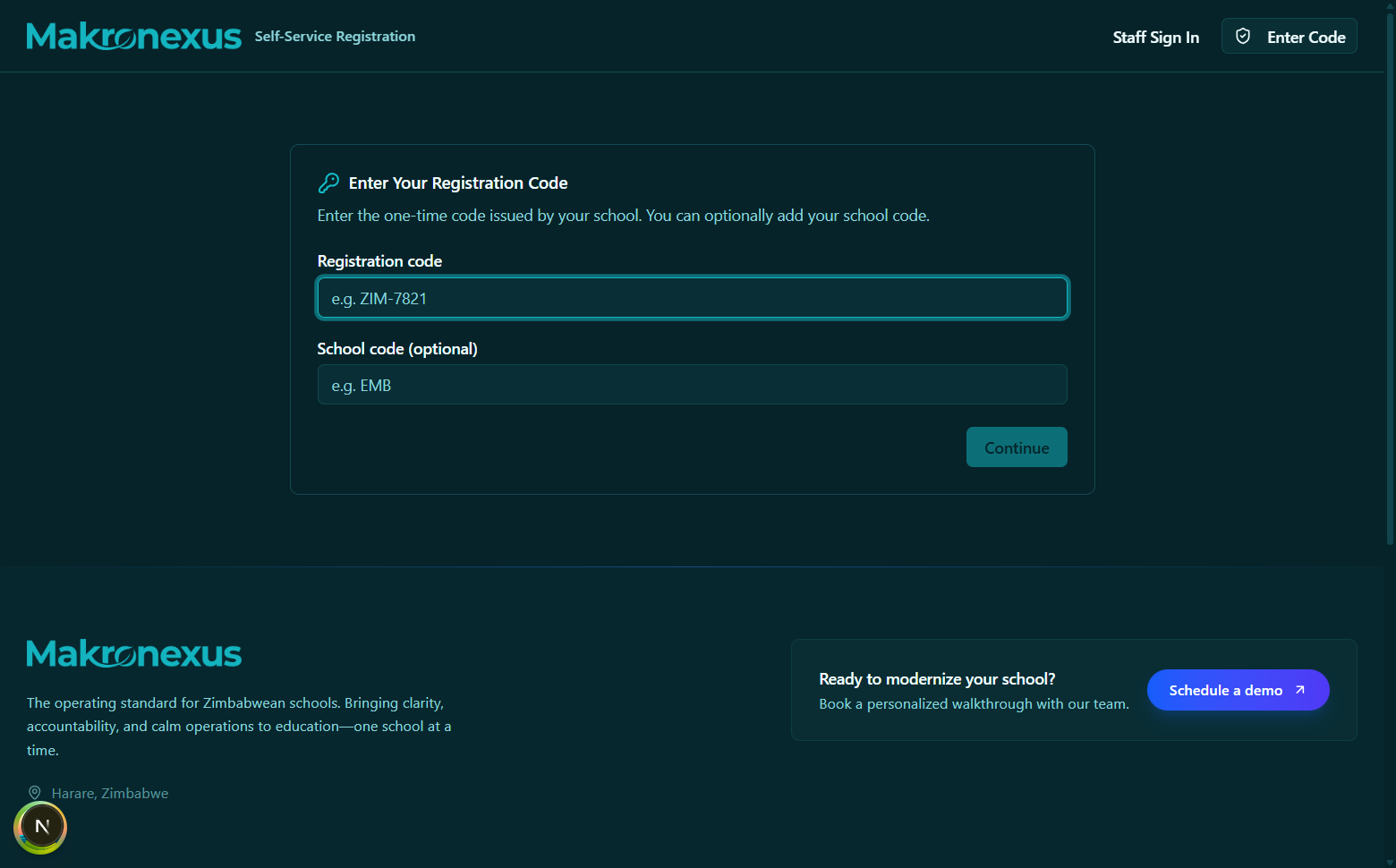
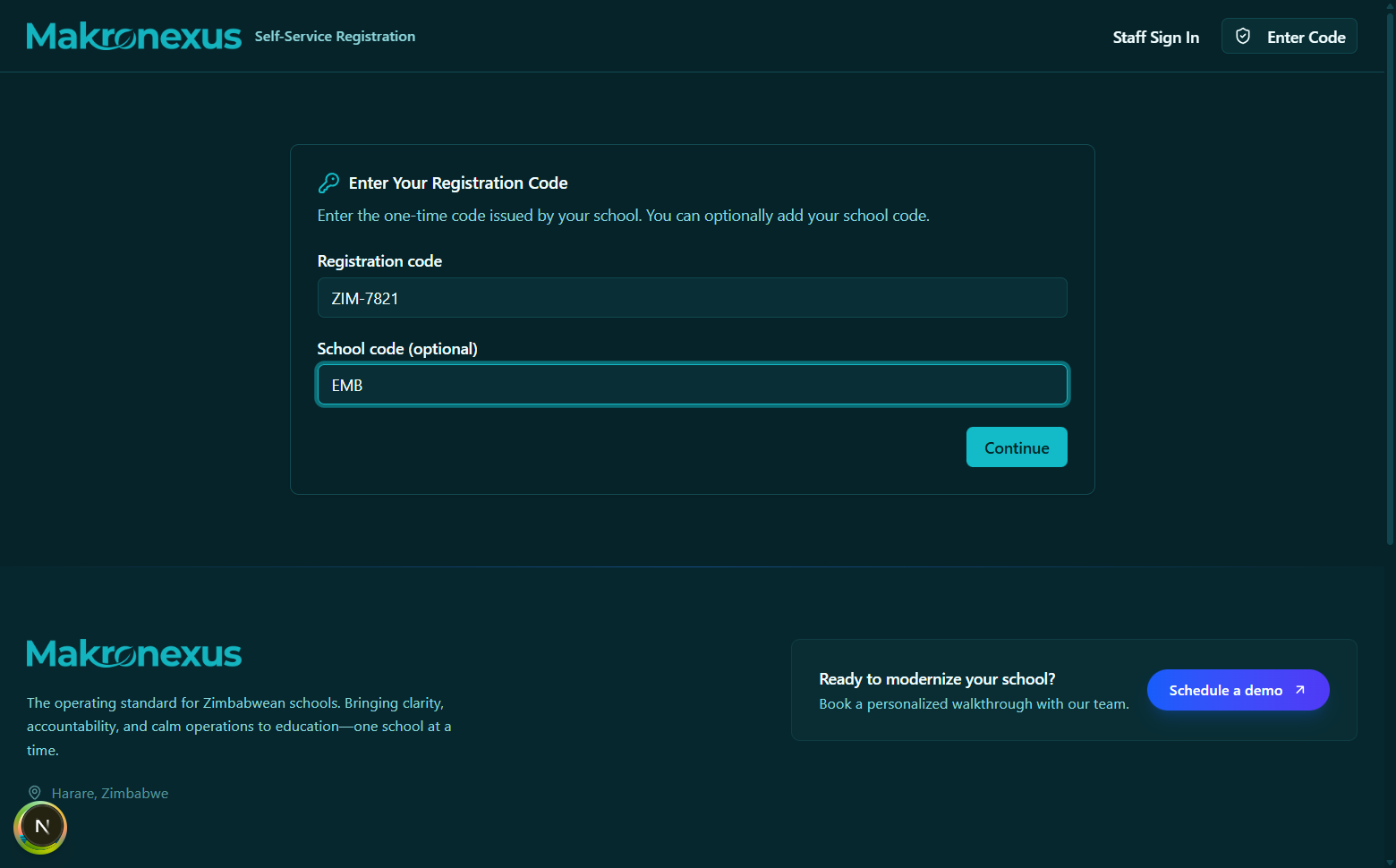
The public registration entry screen at /register. No login is required. The participant enters their unique access code to begin.
Request
POST /api/v1/public/registrations/access-codes/validate
{
  "code": "A1B2",
  "schoolCode": "HGS",
  "deviceName": "Chrome / MacBook"
}
schoolCode is an optional routing hint - if a tenant runs multiple schools and codes are not globally unique, the school code narrows which school to search.
Response
{
  "registrationToken": "eyJhbGci...",
  "expiresInSeconds": 3600,
  "nextStep": "complete_form",
  "session": {
    "id": "...",
    "mode": "student_intake",
    "title": "Form 1 Intake - 2026",
    "classDivisionId": null,
    "gradeLevelId": "grade-form-1-id",
    "requiredFields": {},
    "approvalPolicy": {}
  },
  "participant": {
    "type": "student",
    "displayNameHint": "John Doe",
    "studentNumberHint": "S00123"
  },
  "selectionContext": {
    "school": { "id": "...", "name": "Highfield Secondary" },
    "gradeLevels": [...],
    "classDivisions": [...],
    "subjects": [...],
    "departments": [...]
  }
}
The registrationToken must be stored (in memory or sessionStorage) and passed as a Bearer token on all subsequent calls.
Frontend hook: useValidateRegistrationAccessCode()
The nextStep field
| Value | Meaning | What to show |
|---|---|---|
complete_form | Code is valid and this participant can still submit | Registration form |
read_only_status | Already submitted and under review, or approved | Status page (read-only) |
corrections_required | Staff sent back a correction request | Form with correctionMessage banner |
Loading form state (/me)
The registration form after a valid code is entered. Locked fields (grade, class) are disabled. Auto-save indicator appears in the top-right corner.
Once a token is obtained, call GET /api/v1/public/registrations/me to load the current submission state:
const { data: me } = usePublicRegistrationMe(registrationToken);
The response includes:
session- session metadata (title, required fields, locked placement IDs)participant- hints about who this code belongs toselectionContext- available grades, classes, subjects, departments for dropdownssubmission- current draft payload, status,canEdit, and anycorrectionMessage
Placement locks
If the session has gradeLevelId or classDivisionId set, those values are authoritative and cannot be changed by the participant.
The front-end syncs locked placement across all three copies that form state may maintain (currentGradeLevelId, gradeLevelId, and admission.gradeLevelId) to prevent UI drift. If only classDivisionId is locked, the gradeLevelId is derived from selectionContext.classDivisions[].gradeLevelId.
Auto-save draft
Every meaningful form change triggers a debounced save-draft call:
PUT /api/v1/public/registrations/me/draft
{
  "payload": { "firstName": "John", "lastName": "Doe", ... },
  "sourceDocument": { ... }
}
Drafts are saved server-side with a version counter. If the browser crashes or closes, the participant can re-enter their code and resume from where they left off.
Frontend hook: useSavePublicRegistrationDraft(registrationToken)
Summary / pre-submit check
Before showing the final submit button, the form calls:
POST /api/v1/public/registrations/me/summary
The response indicates:
canSubmit- whether the payload passes all required field checkswarnings- non-blocking issues (e.g. a field that looks unusual)missingFields- field paths that are required but emptyconfirmationText- human-readable text to show on the confirmation screen
Frontend hook: useSummarizePublicRegistrationDraft(registrationToken)
Final submission
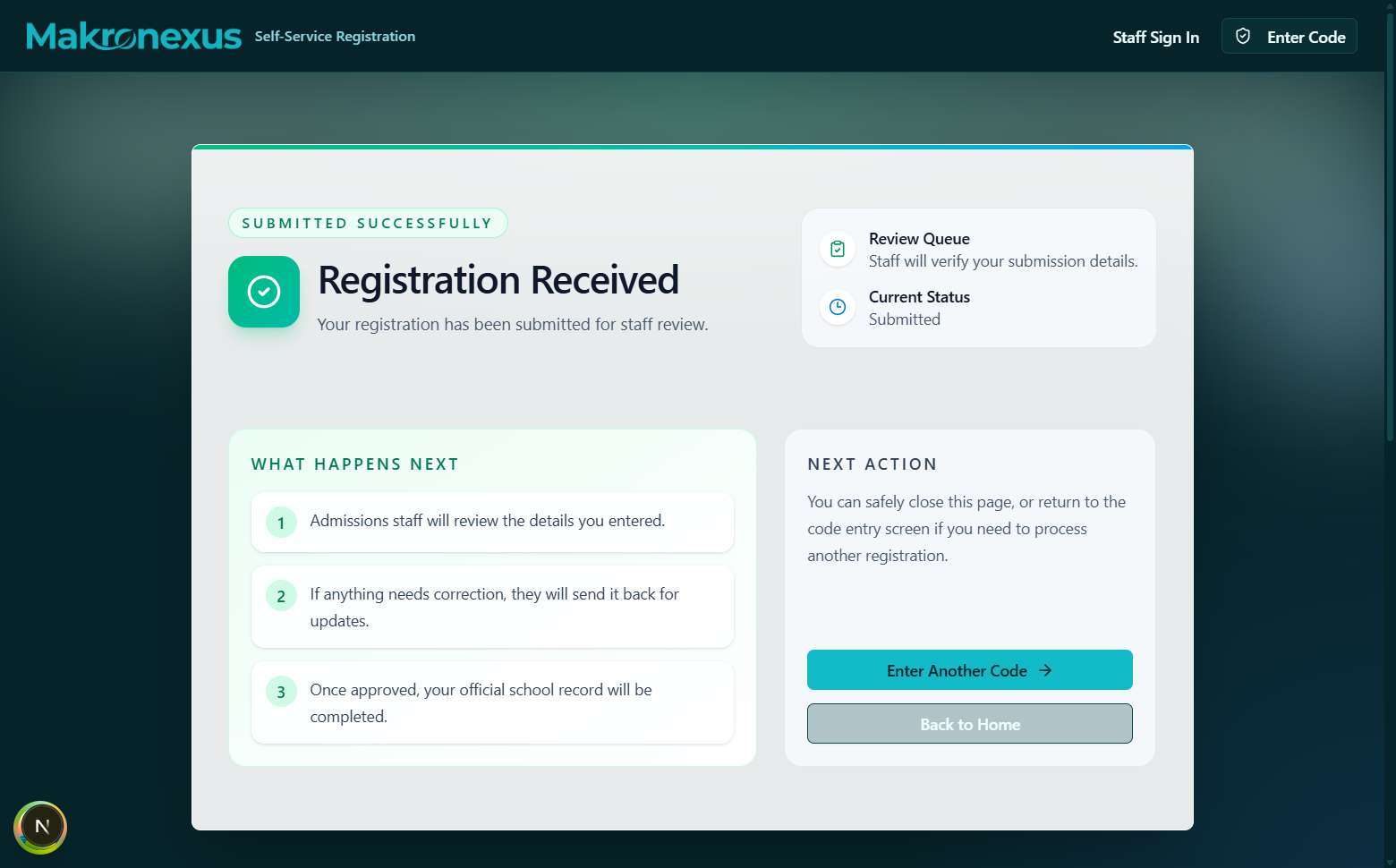
The success screen after a participant submits. It shows the session title, a confirmation message, and instructions on next steps (e.g. "a staff member will review your details").
POST /api/v1/public/registrations/me/submit
Same body as save-draft. On success the submission moves to submitted status and the access code moves to submitted.
The response includes:
submissionIdstatus-"submitted"message- confirmation message to displaycanEdit-falsefor newly submitted forms (staff review pending)
Frontend hook: useSubmitPublicRegistration(registrationToken)
Corrections resubmission
If staff send back a correction request (needs_correction), the participant:
- Re-enters their code (or refreshes if token is still valid)
- Sees
nextStep: "corrections_required"and thecorrectionMessagefrom staff - Updates the indicated fields
- Resubmits via:
POST /api/v1/public/registrations/me/corrections
Frontend hook: useResubmitPublicRegistrationCorrections(registrationToken)
Token transport
By default the registration token is sent as a standard Authorization: Bearer header. For environments that cannot set custom headers, the token can also be sent via X-Registration-Token header, or both simultaneously:
usePublicRegistrationMe(token, { tokenTransport: "header" });
// or
usePublicRegistrationMe(token, { tokenTransport: "both" });
Important constraints
- The public
/registerroutes do not use the tenantSchoolProvider. Do not use tenant-only comboboxes or hooks that calluseSchoolContext()on these pages. - Build all dropdowns from
selectionContextreturned by the validate and/meresponses - do not call school-scoped API hooks. - The registration token is short-lived (typically 1 hour). If it expires mid-session, the participant must re-enter their code to get a fresh token.
API quick reference
| Operation | Method + Path | Hook |
|---|---|---|
| Validate code | POST /public/registrations/access-codes/validate | useValidateRegistrationAccessCode() |
| Get form state | GET /public/registrations/me | usePublicRegistrationMe(token) |
| Save draft | PUT /public/registrations/me/draft | useSavePublicRegistrationDraft(token) |
| Summarize draft | POST /public/registrations/me/summary | useSummarizePublicRegistrationDraft(token) |
| Submit | POST /public/registrations/me/submit | useSubmitPublicRegistration(token) |
| Resubmit corrections | POST /public/registrations/me/corrections | useResubmitPublicRegistrationCorrections(token) |