Access Codes
Access codes are the keys that participants use to start the registration process. Each code is unique to one participant slot and tracks the full submission lifecycle.
Code lifecycle
Generating codes
Navigate to Session -> Access Codes -> Generate Codes.
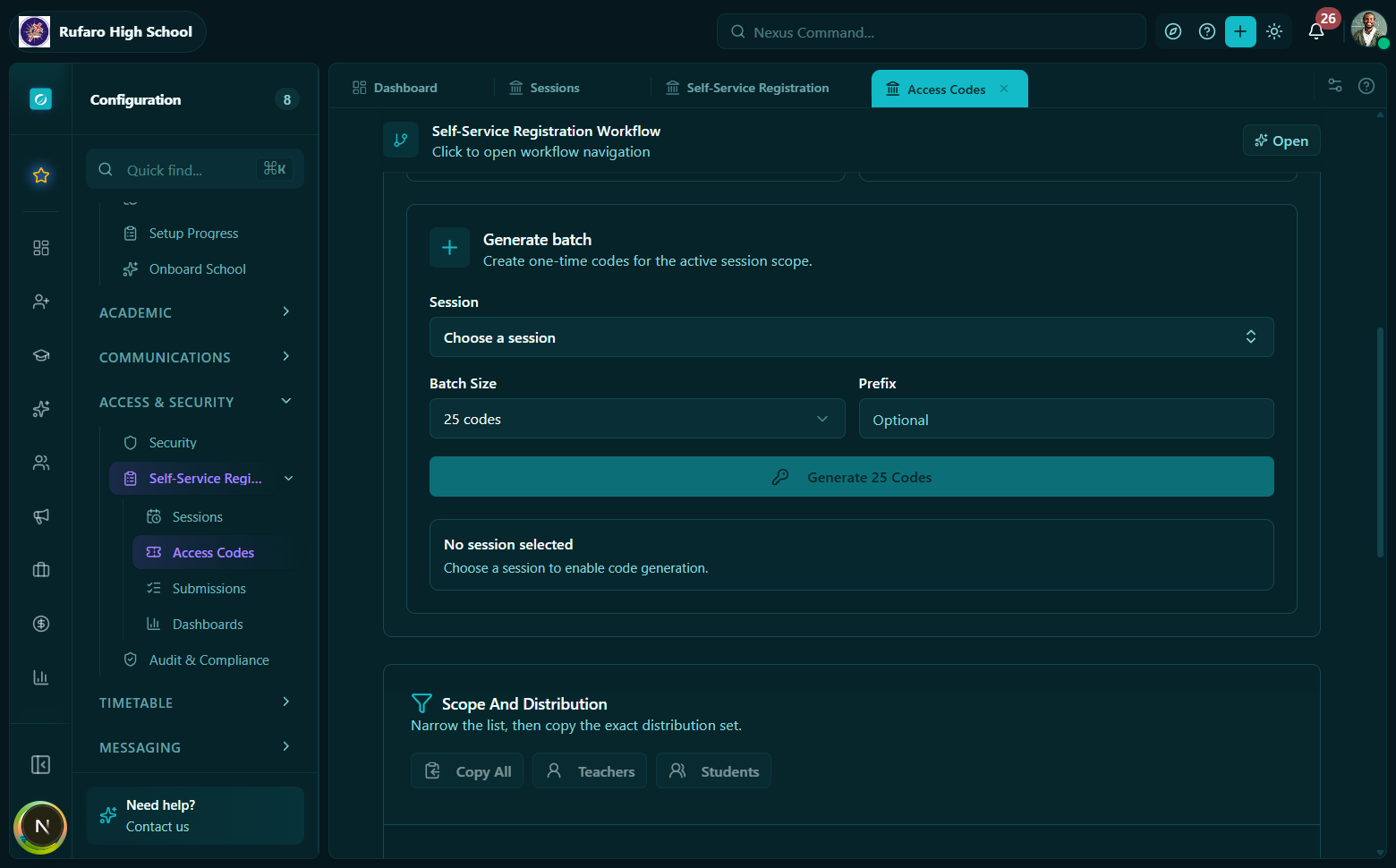
The generate codes panel. The roster assignment toggle controls whether codes are pre-linked to existing students or issued as open codes.
Generation options
| Option | Type | Default | Description |
|---|---|---|---|
count | number | - | Number of codes to generate |
prefix | string | none | Short text prepended to every code (e.g. SCH1) |
format | enum | human_readable_4_digit | See formats below |
expiresAt | ISO datetime | none | Codes become expired after this timestamp |
assignFromClassRoster | boolean | false | Auto-assign each code to an existing roster member |
includeRosterHintsOnPrintout | boolean | false | Print name hint alongside the code |
delivery | enum | print | How codes are distributed |
recipients | array | none | Explicit recipient list for email delivery |
Code formats
| Format | Example | Use case |
|---|---|---|
human_readable_4_digit | A1B2 | Short codes - quick to type on mobile |
human_readable_6_digit | A1B2C3 | More codes with lower collision risk |
Roster-assigned vs. open codes
- Roster-assigned
- Open codes
When assignFromClassRoster: true, the system pairs each generated code with an existing student or teacher from the session's class/grade roster. The code record stores:
assignedStudentIdorassignedTeacherIdrosterSnapshot- a point-in-time copy of the person's known detailsdisplayNameHint,studentNumberHint, orteacherNumberHintfor printout display
This approach works best for student_verification - participants can only update the record pre-assigned to their code.
When assignFromClassRoster: false, codes are issued without pre-assignment. Any participant who receives a code can submit their details freely.
This approach works best for teacher_self_registration and student_intake where the person is new or their identity is not yet confirmed.
Delivery methods
- Email + Print
delivery: "print" - the API returns the full code plain text in GenerateRegistrationCodesResult.codes[].code. Staff can render these into a printable sheet.
The printBatchId field groups codes generated together for batch printing or reprinting.
delivery: "email" - supply recipients (array of { email, firstName, lastName }). Each recipient receives an email with their personal code.
delivery: "email_and_print" - sends email and includes codes in the API response for physical backup.
The raw plain-text code is only available in the generate and export API responses. After that, only codeLast4 is stored - staff can identify codes by their last 4 characters but cannot retrieve the full code again.
Example code slip layout. Each slip shows the participant's name hint (if roster-assigned), the unique access code, and the URL where they should register.
Exporting existing codes
Use Export codes to re-generate a printable batch from codes that were already created (for example, to reprint a lost batch).
API: POST /registrations/sessions/{sessionId}/codes/export
Hook: useExportRegistrationCodes()
Listing codes
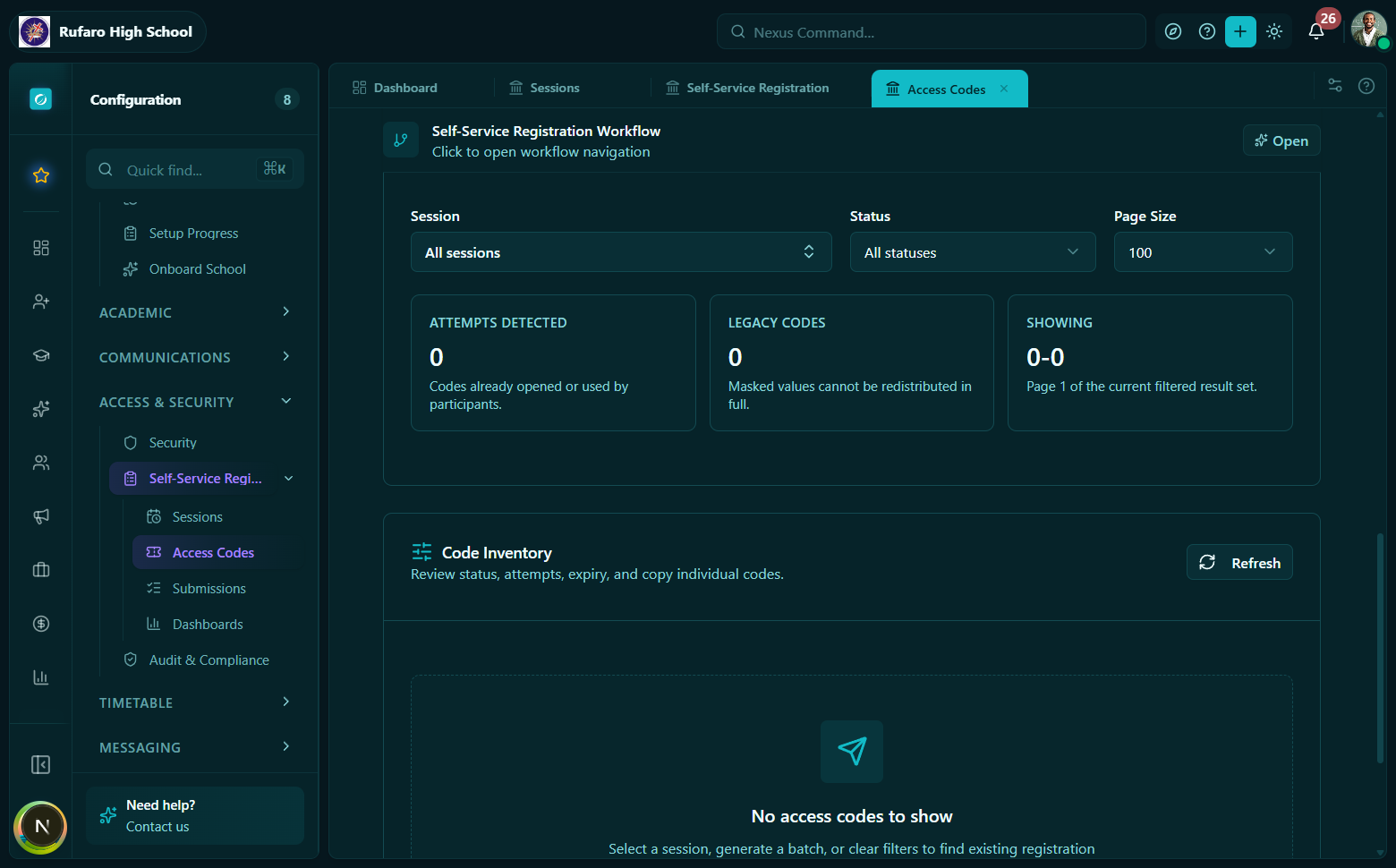
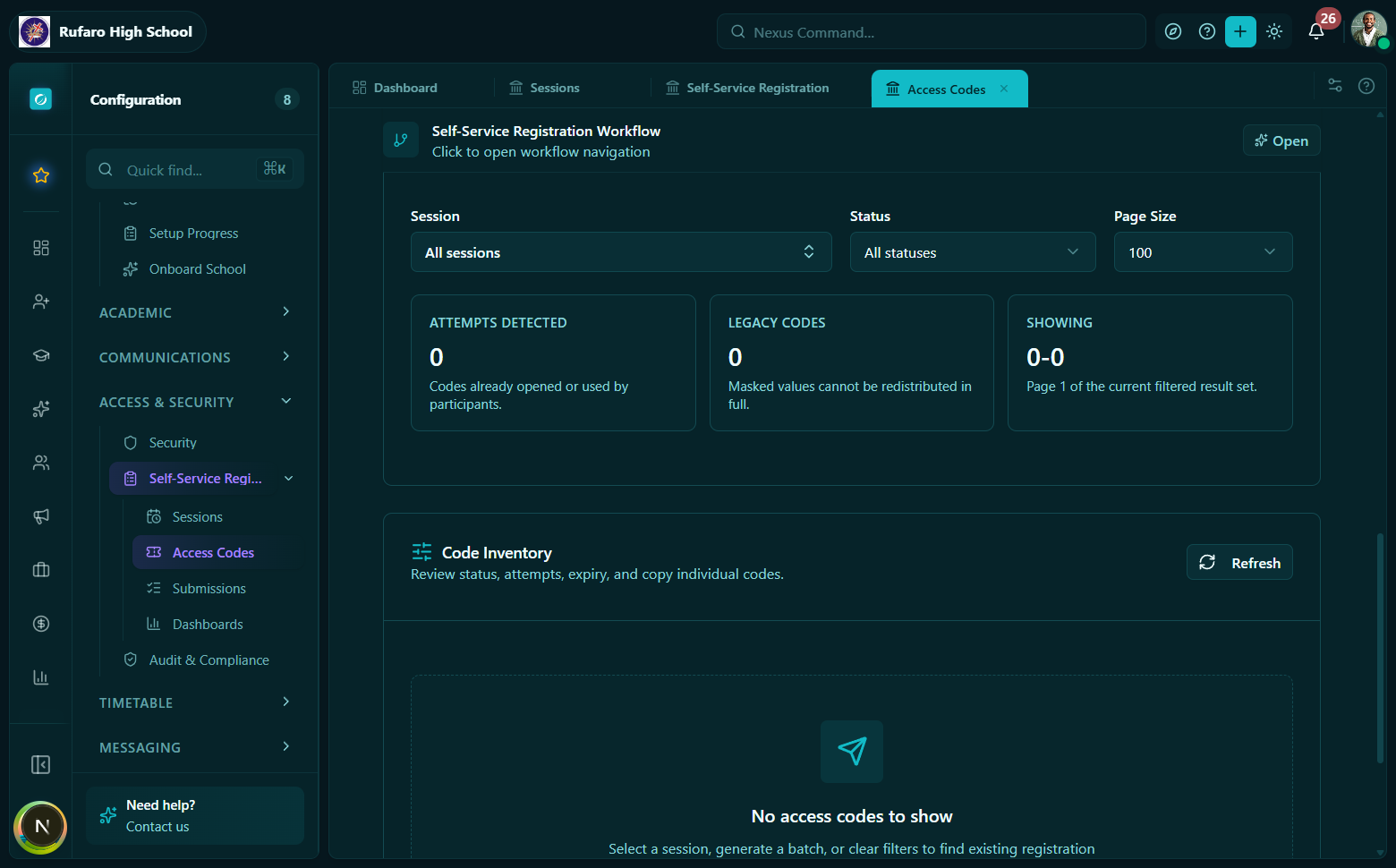
The codes list for a session. Each row shows the last 4 characters of the code, its current status, the assigned participant (if roster-assigned), and when it was last used.
const { data } = useRegistrationAccessCodes({
  sessionId: "...",
  status: "unused",  // filter by lifecycle status
});
The list returns codeLast4, status, audienceType, and all assignment/timestamp fields. Full code text is not available.
API: GET /registrations/access-codes?sessionId={id}
Hook: useRegistrationAccessCodes(params)
Revoking a code
Staff can revoke any code that has not yet been approved. Revoking a code prevents the participant from making further changes or resubmitting.
const revoke = useRevokeRegistrationAccessCode();
revoke.mutate({ codeId: "..." });
API: POST /registrations/codes/{codeId}/revoke
Hook: useRevokeRegistrationAccessCode()
Revoking a code is irreversible. The participant will see an error if they try to use it again. Issue a new code if the original was revoked in error.
Expiry
Set expiresAt at generation time to automatically expire codes on a given date. Expired codes return a registration_code_expired error when a participant tries to use them. Expiry does not affect codes that have already been started.
Code status reference
| Status | Who transitions it | Meaning |
|---|---|---|
unused | System (on generate) | Not yet used by participant |
started | System (on first validate) | Participant has begun the form |
submitted | System (on participant submit) | Awaiting staff review |
needs_correction | Staff | Sent back to participant |
approved | Staff | Accepted and imported |
rejected | Staff | Permanently rejected |
revoked | Staff | Manually cancelled |
expired | System | Past expiresAt and never started |
API quick reference
| Operation | Method + Path | Hook |
|---|---|---|
| Generate codes | POST /registrations/sessions/{id}/codes/generate | useGenerateRegistrationCodes() |
| Export codes | POST /registrations/sessions/{id}/codes/export | useExportRegistrationCodes() |
| List codes | GET /registrations/access-codes | useRegistrationAccessCodes(params) |
| Revoke code | POST /registrations/codes/{id}/revoke | useRevokeRegistrationAccessCode() |